Tech

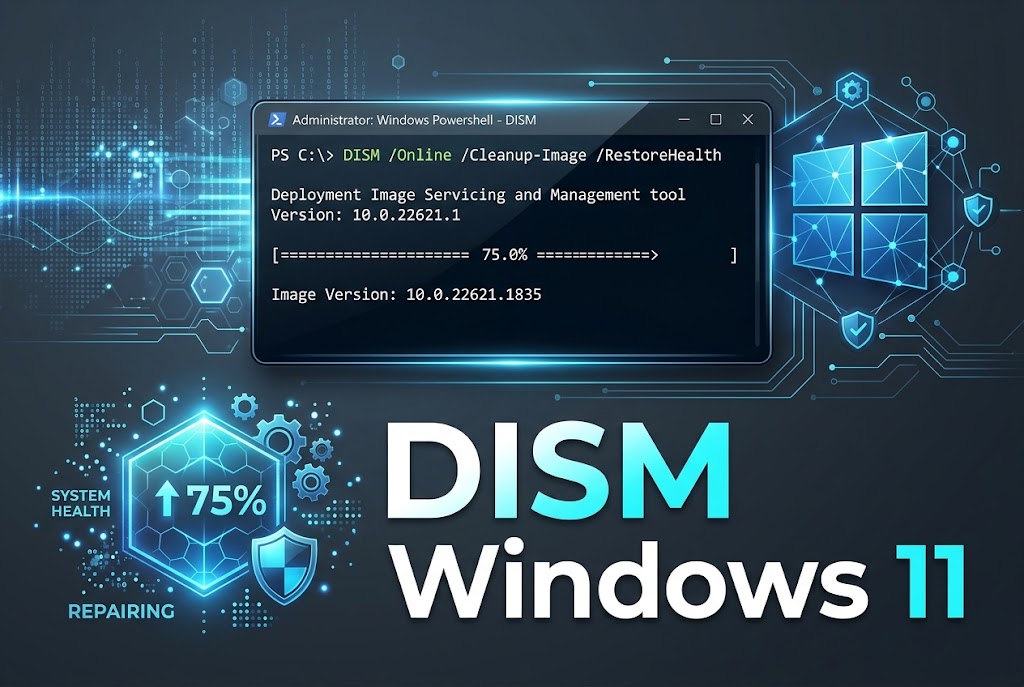
How to Run DISM command in Windows 11
Open Command Prompt as administrator to run the DISM command in Windows 11, now you need to run this specific command. Step 1: Open Terminal

Open Command Prompt as administrator to run the DISM command in Windows 11, now you need to run this specific command. Step 1: Open Terminal
Open Command Prompt as administrator to run the DISM command in Windows 11, now you need to run this specific command. Step 1: Open Terminal
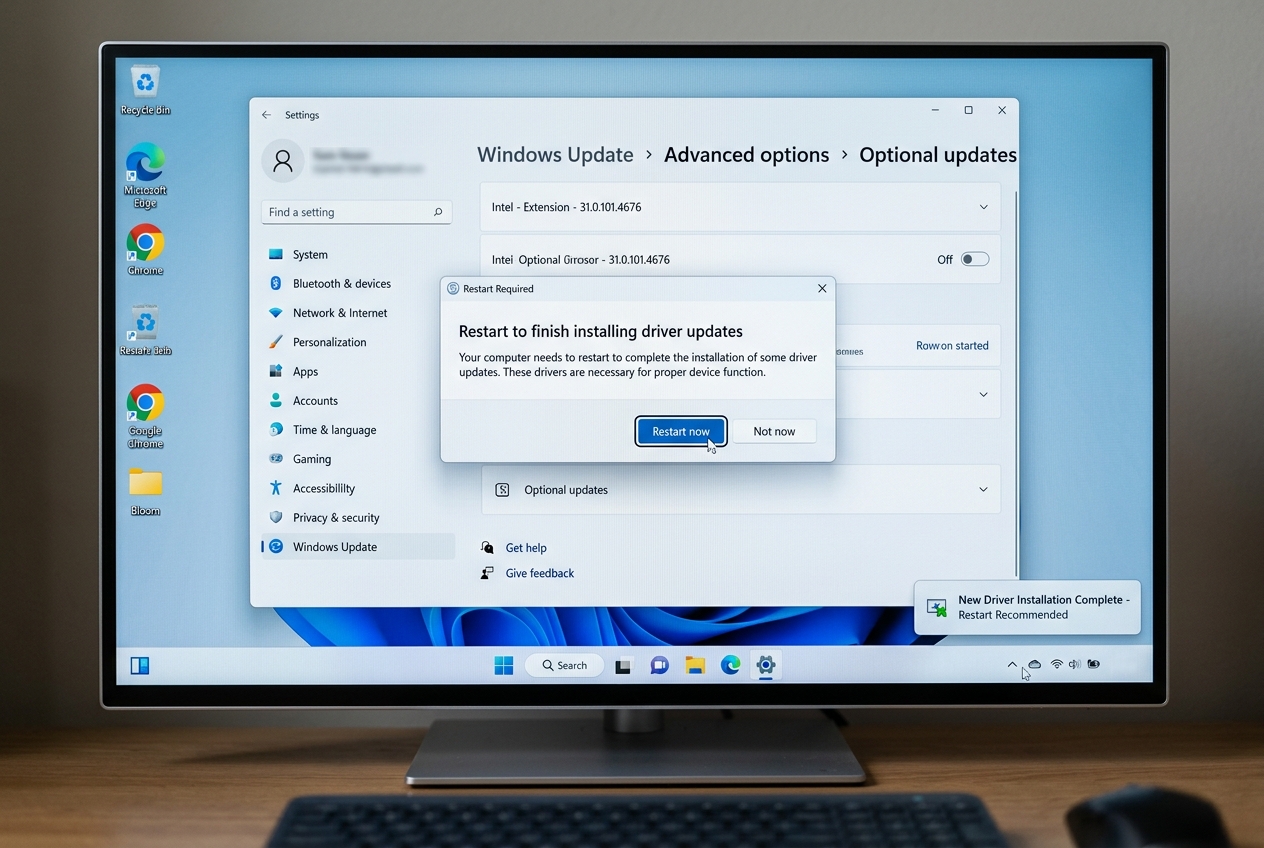
Reset Graphics Driver Shortcut Shortcut to reset graphics drivers on Windows is pressing the combination of Windows Key + Ctrl + Shift + B altogether.

Fixing Critical Process Died or (blue screen) error in Windows is simple, boot into Safe Mode or Window Recovery and run sfc/scannow and DISM with

How to open a program without icons on the Windows In windows you can click on start menu and search for file explorer or through

To fix slow DNS lookup, switch to a faster public DNS provider like Cloudflare (1.1.1.1) or Google (8.8.8.8), flush your DNS cache, and ensure your browser’s prefetching is enabled.

With more than 200 cmdlets, or single function instructions, at your disposal, Microsoft’s powerful tool, PowerShell, can make automation a breeze. Launched in 2006 as

In this blog we will explore different ways to check system uptime on both Windows 10 and Windows 11. This is a useful method to

Are you inquisitive about specific networking phrases? but don’t know who to ask. We’ll concentrate on one of the most used acronyms in networking—BSSID—in this
It is difficult to imagine that just a short while ago, the concept of having simple access to the internet at home or while on

Many times, when we see something on our computer displays, we want to take a snapshot of it right away. We are completely enveloped by